Privacy
Does Instagram Remove EXIF Data? What to Check Before Sharing
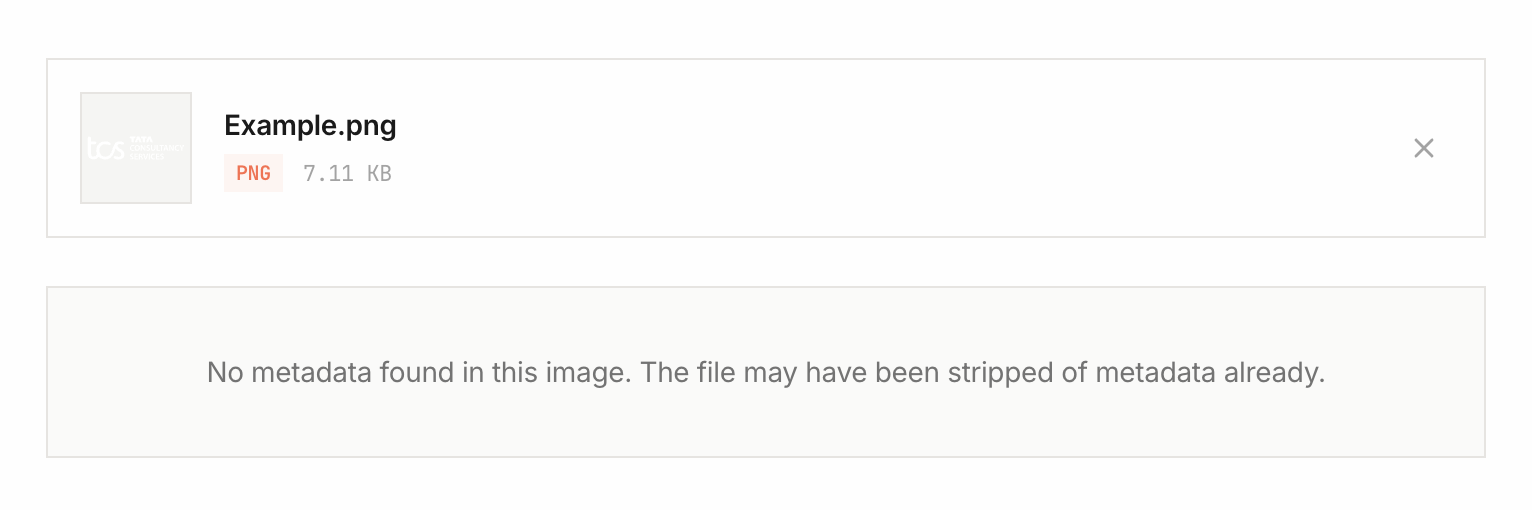
Check the exact copy you intend to share. A photo selected from your camera roll, a posted image, and a file downloaded from Instagram are separate files. Finding no EXIF in one copy does not prove that the original had no metadata or describe what a service retains internally.
If your goal is to keep GPS coordinates out of a photo you share, remove them before sharing and check the downloaded result. Posting to a social network is not a substitute for that check.
How to check a downloaded Instagram image
- Keep the original image and the downloaded copy as separate files.
- Open the EXIF viewer and inspect the original. Note which GPS, camera, and date fields are present.
- Inspect the downloaded copy using the same viewer.
- Compare the fields. An absent field means the viewer did not find it in that copy; it does not establish why it is absent.
Use the EXIF Compare tool to compare two supported images. Record the date, app/browser, and sharing method if you want to repeat the experiment later. This guide does not claim a newly performed test of every Instagram app version or export method.
What an empty EXIF result tells you
It is a result for one file and one set of supported fields. Re-encoding, editing, screenshots, and earlier exports can change metadata. A file can also contain IPTC or XMP information outside the camera EXIF fields, so check the other sections the viewer supports.
Whether a public copy contains EXIF is a different question from how a platform handles an original upload. Refer to the provider's privacy documentation for its data practices. A local metadata check cannot verify a platform's internal storage, retention, or advertising use.
Sharing methods to check separately
- Posted or reprocessed image: inspect the downloaded copy rather than assuming it matches the original.
- Original attachment or document mode: treat the file as potentially carrying its original metadata until checked.
- Cloud download or data export: inspect the file actually downloaded; previews and originals can differ.
- Screenshot: camera EXIF may be absent, but visible details and other file information can still reveal context.
Remove GPS before the upload
- Open Remove GPS from Photo for a supported JPEG, or use the Image Metadata Remover for a broader cleanup.
- Select the image locally and download the cleaned copy.
- Reopen that copy in the viewer and verify that the location fields you intended to remove are absent.
- Share the checked copy. Review any separate location tag or caption you add in the destination app.
Apple also documents how to share photos with location options on iPhone. Availability and menu wording depend on your software version and sharing method.
A clean metadata result does not hide information visible in the picture. Review faces, addresses, landmarks, and captions separately.
Image Metadata Remover
Strip all EXIF data and hidden metadata from your photos before sharing them online. Protect your privacy in seconds.