NoFileUpload vs Birme: Batch Resize Images Without Uploading Them
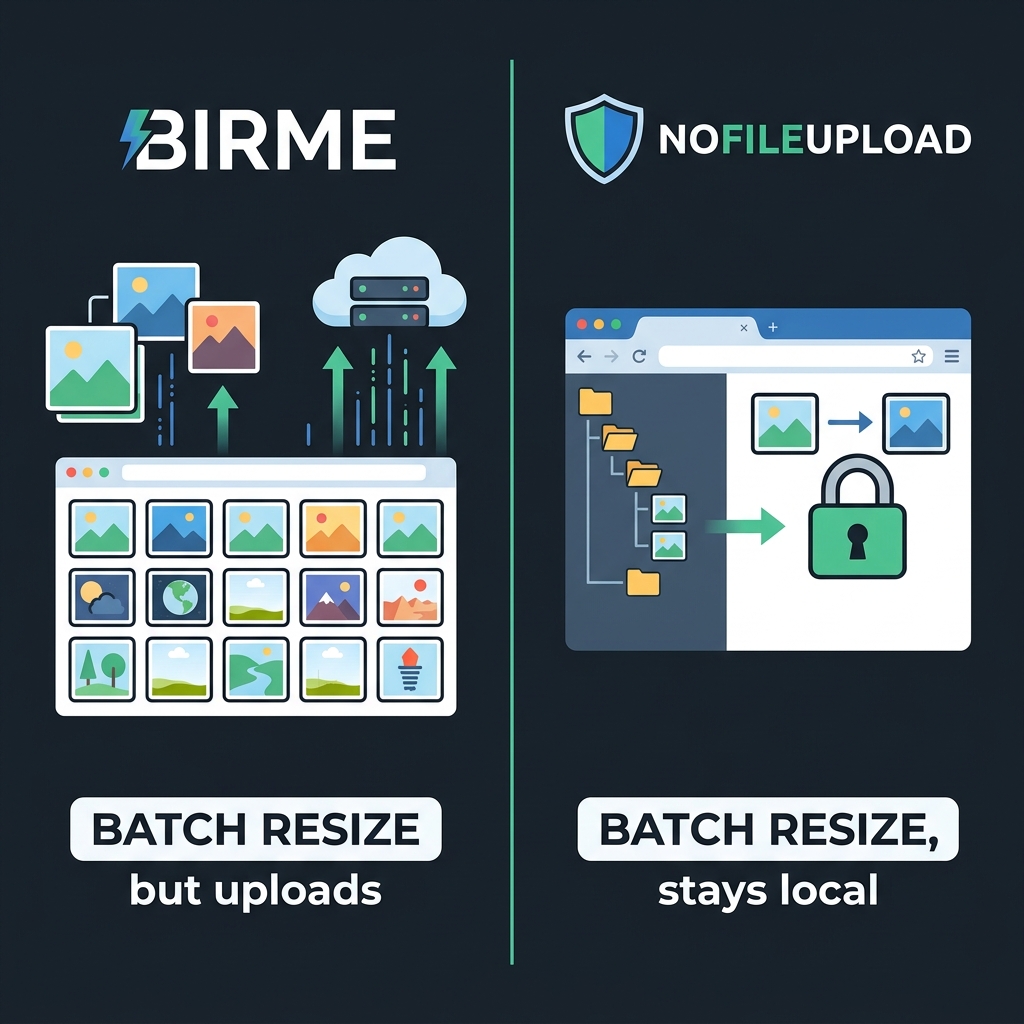
Birme has been the go-to recommendation for bulk image resizing for years. Search for "batch resize images online" and it shows up reliably near the top. The interface is straightforward — drag a folder of photos in, set your target dimensions, download. For a lot of people, it just works.
But there's a question worth asking before you drop 40 family photos into any web tool: where exactly do those files go during processing? With Birme, the answer is a server you don't control. Your images travel from your browser to their infrastructure, get resized there, and come back to you. The company says files are deleted after processing, but they are still leaving your device.
For a batch of product images or stock photos, that's probably fine. For personal photos — family events, kids, documents photographed with your phone — it's worth knowing that's happening before you click upload.
What Birme is and what it does well
Birme (Batch Image Resizing Made Easy) has been around since 2012, which makes it one of the older browser-based image tools still actively used. It handles bulk resizing well — you can set a target width, height, or both, and it processes multiple files at once. There's an option to output as JPG or PNG, adjust quality, and crop to fill the target dimensions rather than just scaling. For its intended use case, it's a focused tool that does exactly what it promises.
The interface is simple enough that there's no learning curve. Drop files, set dimensions, download. There's a paid tier (Birme Pro) that removes file size limits and adds some additional options, but the free version handles most common resizing tasks without restriction.
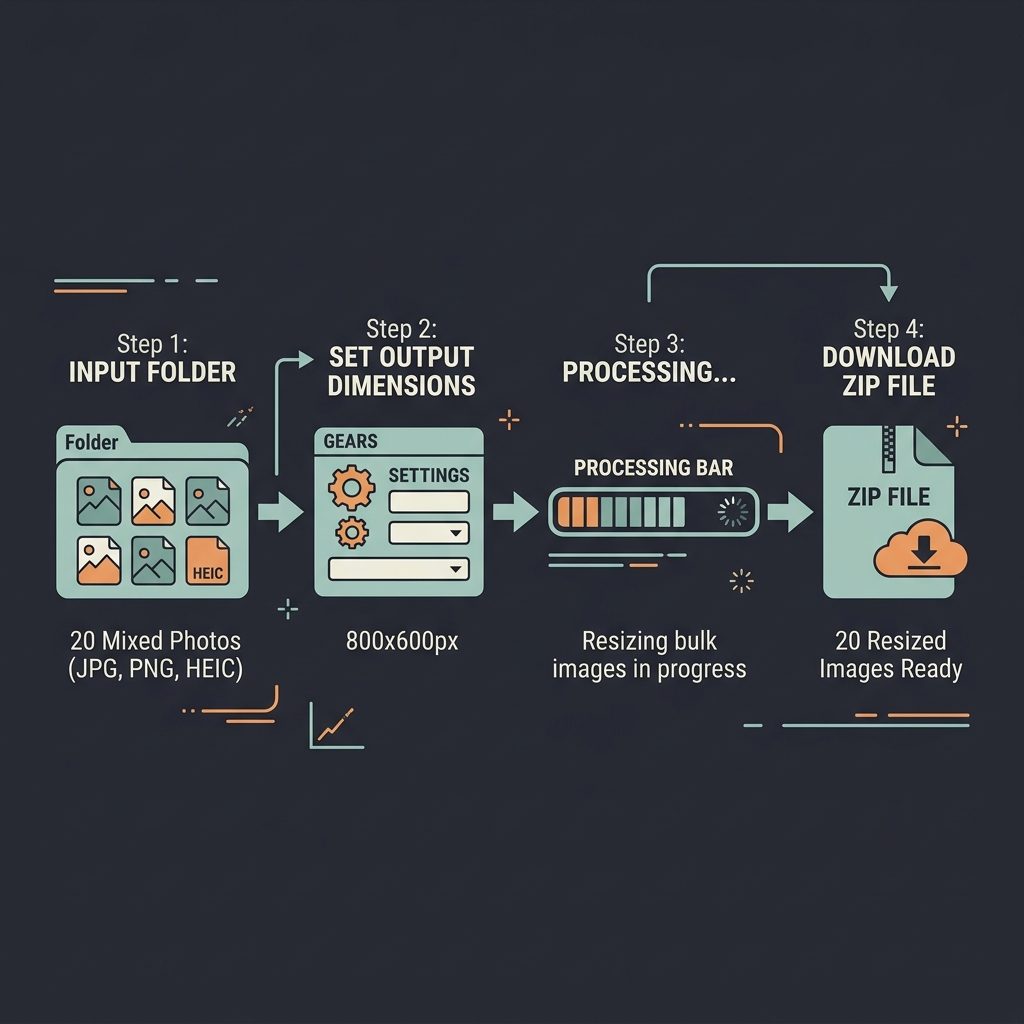
Where Birme falls short is scope. It resizes images. That's the whole product. It doesn't compress images beyond the quality slider on export, it doesn't strip EXIF metadata, it doesn't convert HEIC to JPG, it doesn't handle PDFs or audio files. If your workflow involves any of those steps, you're opening a second tool after Birme anyway.
The upload question
Birme's resizing happens on their servers. This is how most web-based image tools work — your browser sends the files, a server processes them, and the results come back. It's efficient for the tool developer and transparent enough if you know it's happening.
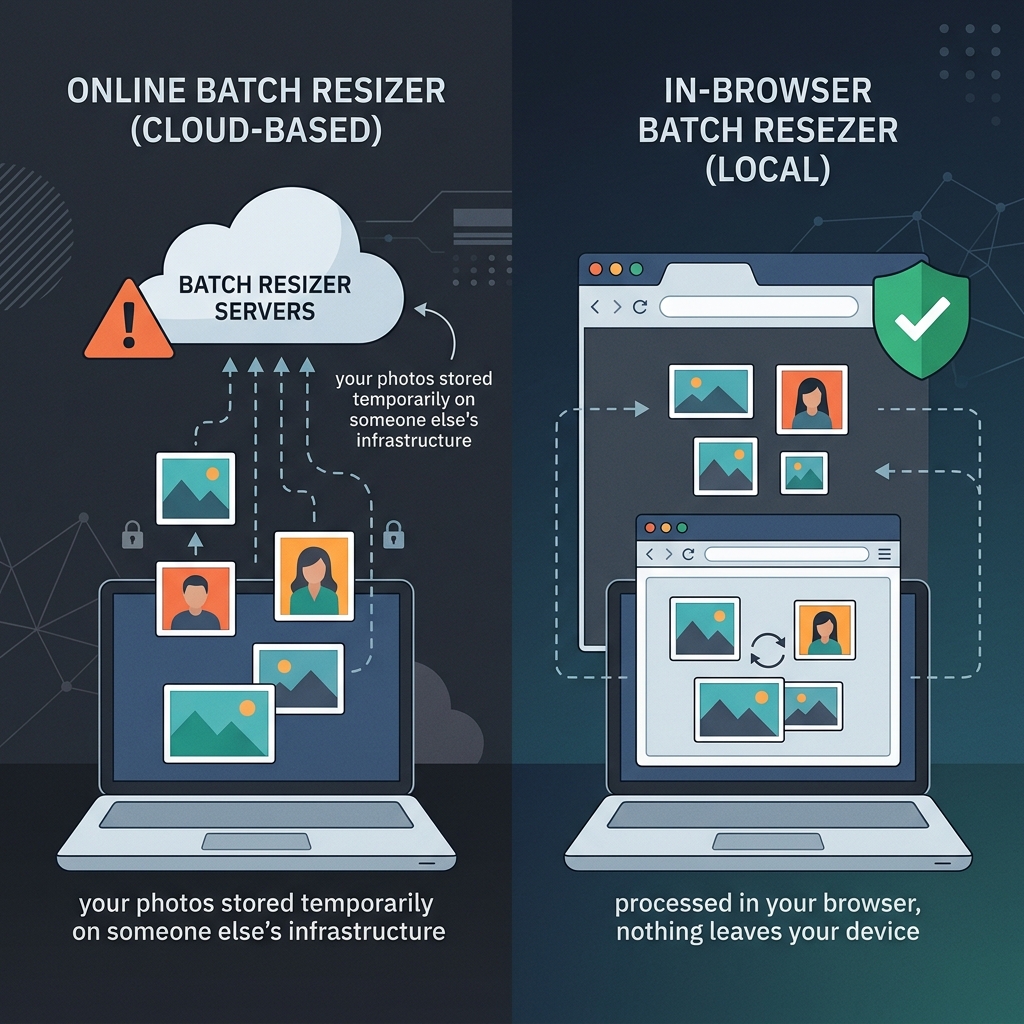
Most people processing vacation photos or e-commerce product images won't have any issue with this. But the question is whether you're thinking about it at all. Many people just drag files in without realising they're uploading them — they assume because there's no explicit "upload" button, nothing is being sent anywhere. That assumption is wrong for Birme.
NoFileUpload uses WebAssembly and the browser's native Canvas API to resize images entirely on your device. The processing logic runs in the same browser tab you have open, and nothing travels over the network. You can verify this yourself — open your browser's Network tab (F12 → Network), drop images into NoFileUpload's resizer, and watch the tab: zero outbound requests for your image data.
What NoFileUpload covers beyond resizing
Where Birme is a single-purpose tool, NoFileUpload is built as a full file processing toolkit. After resizing a batch of images, you might also want to compress them before sharing, strip the GPS coordinates from photos taken on an iPhone, or convert some HEIC files to JPG because Windows doesn't open HEIC natively. All of that is one tab, no uploads, no accounts.
This matters in practice because real workflows rarely involve just one step. A freelancer sending product shots to a client needs the images at the right size, the right file weight, and without any personal metadata embedded from the camera. Currently that's three separate tools if you're using Birme. With NoFileUpload it's three tools in the same place, all local.
Side-by-side comparison
| Feature | NoFileUpload | Birme |
|---|---|---|
| Files sent to server | ❌ Never | ✅ Yes (server processed) |
| Batch / bulk resizing | ✅ Yes | ✅ Yes — core feature |
| Custom pixel dimensions | ✅ Yes | ✅ Yes |
| Crop to fill | ✅ Yes | ✅ Yes |
| Output format (JPG/PNG/WebP) | ✅ Yes | ⚠️ JPG and PNG only |
| Image compression | ✅ Yes (separate tool) | ⚠️ Quality slider on export only |
| Strip EXIF / metadata | ✅ Yes | ❌ No |
| Remove GPS from photos | ✅ Yes | ❌ No |
| HEIC to JPG conversion | ✅ Yes | ❌ No |
| PDF metadata tools | ✅ Yes | ❌ No |
| Account required | ❌ Never | ❌ No (free tier) |
| File size limits | ✅ None | ⚠️ Limited on free tier |
| Works offline | ✅ Yes (after load) | ❌ No |
| Free to use | ✅ Fully free | ⚠️ Free tier + paid Pro |
Who Birme is still good for
If you use Birme regularly and the upload-to-server model doesn't concern you for your particular use case, there's no compelling reason to switch. It works, the interface is clean, and for purely resizing non-sensitive images it does the job reliably.
Birme Pro also adds features like custom output filenames with patterns, which is useful for people building structured image libraries at scale. If you do this kind of work regularly, that feature alone might be worth the subscription.
When to pick NoFileUpload instead
Pick NoFileUpload if: the images you're resizing are personal, sensitive, or belong to clients who haven't consented to third-party processing. Also use it if you want to do more than just resize — strip metadata, compress, convert HEIC, handle PDFs — without opening a new tab for each step. And use it when you want certainty that your files haven't gone anywhere.
The core value proposition is simple: for the vast majority of bulk image resizing tasks, you don't need a server. Your browser is powerful enough to do it locally, faster, with no network round-trip and no privacy trade-off. That's what NoFileUpload is built around.
Frequently asked questions
Does Birme upload images to a server?
Yes. Birme processes images on their servers — your photos are uploaded when you use the tool. They state files are deleted after processing, but the upload still happens. NoFileUpload resizes images entirely in your browser with no upload at any point.
Can I batch resize images without uploading them anywhere?
Yes. NoFileUpload's image resizer processes multiple images at once in your browser using JavaScript and the Canvas API. Nothing is sent over the network — your files never leave your device.
What is a good Birme alternative that doesn't upload files?
NoFileUpload is a free Birme alternative for batch resizing with no uploads. It also handles image compression, format conversion, HEIC to JPG, and metadata removal — all processed locally in your browser.
Is Birme safe to use for personal photos?
Birme uploads your photos to their servers for processing. For personal, sensitive, or client images, a local browser-based tool like NoFileUpload is safer since nothing ever leaves your device.
Image Resizer
Resize images to any pixel dimensions. Lock aspect ratio, choose fit/fill/stretch mode, and download in JPEG, PNG, or WebP.