NoFileUpload vs EXIF.tools: A Straight Comparison
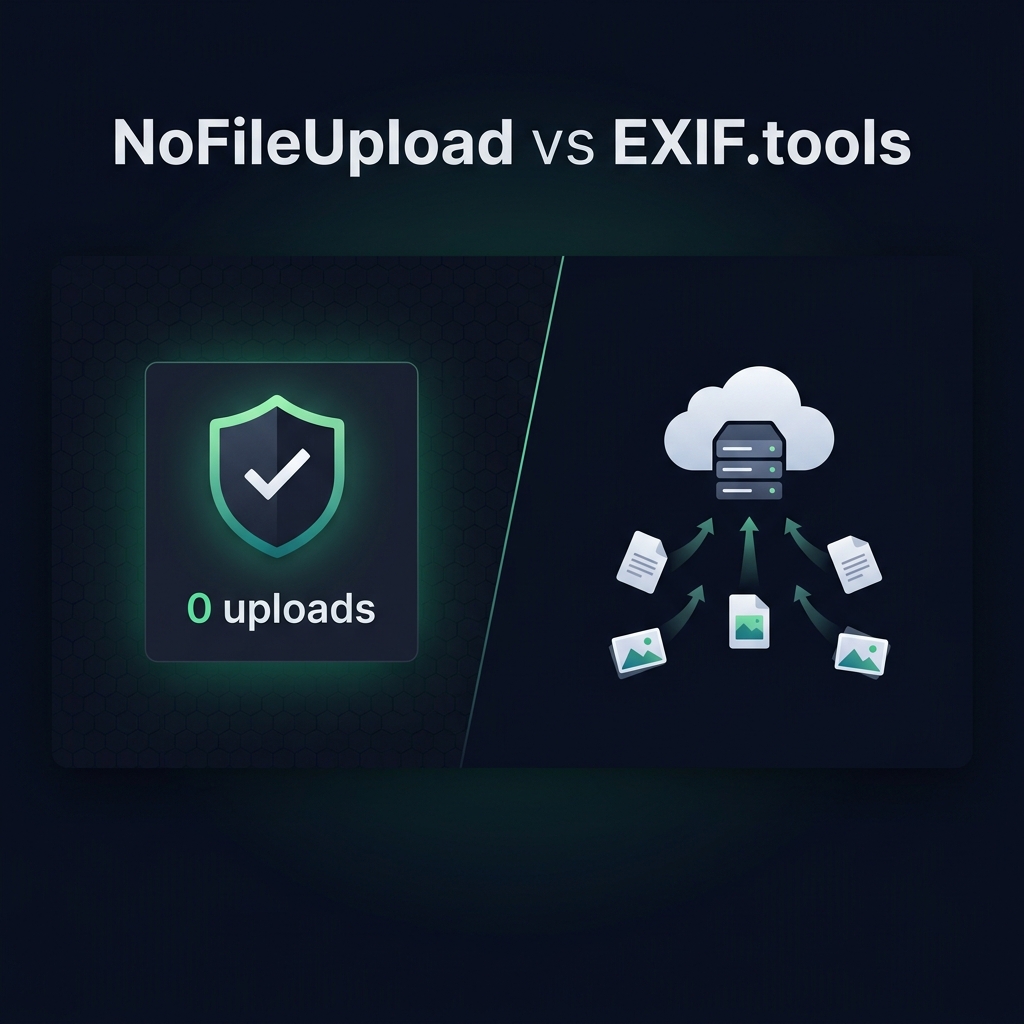
EXIF.tools is one of those sites that a lot of photographers and tech people know about. It has a clean interface, reads metadata well, and it's been recommended in forums and subreddits for years. If you've searched for "read EXIF data online," you've probably come across it.
So why are we comparing it to NoFileUpload? Because the core question — where does your file actually go? — is one that most people never ask.
The basic difference
EXIF.tools works by uploading your photo to their server. The ExifTool software (the same open-source library written by Phil Harvey that powers most metadata tools) runs on their backend, extracts all the metadata, and returns it to you. It's thorough, it supports a huge number of file formats, and it handles edge cases that simpler tools miss.
NoFileUpload uses the same underlying parsing logic but runs it entirely inside your browser with JavaScript. Your file is loaded locally, the parsing happens on your device, and the results show up in the UI. Nothing leaves your computer.
Where EXIF.tools is genuinely stronger
Let's give credit where it's due. EXIF.tools reads an enormous range of metadata. Because it runs the full ExifTool binary server-side, it can handle thousands of proprietary tags across hundreds of camera brands and file types. If you're a photographer shooting with a niche medium-format camera or an older DSLR with manufacturer-specific RAW formats, EXIF.tools is likely to read tags that a browser-based tool might miss.
It also shows the raw tag names and values in a way that's useful if you're debugging metadata or working with files programmatically. Very detailed, very complete.
Where NoFileUpload is the smarter choice
For everyday use — which means: checking the GPS and camera info from a phone photo, removing metadata before sharing something, or batch-cleaning a folder of images — NoFileUpload covers all of it without touching a server.
The privacy angle is genuinely important here. If you're using an EXIF tool because you're concerned about what's in your photo, you probably don't want to solve that problem by uploading the photo to a website first. Removing GPS data from a photo of your home is a strange thing to do through a third-party server.
Beyond metadata, NoFileUpload also handles things EXIF.tools simply doesn't: removing metadata (not just viewing it), image compression, image resizing, format conversion, PDF metadata, audio metadata, and more. EXIF.tools is a viewer. NoFileUpload is a full toolkit.
Side-by-side
| Feature | NoFileUpload | EXIF.tools |
|---|---|---|
| Files sent to server | ❌ Never | ✅ Yes (required) |
| Can work offline | ✅ Yes | ❌ No |
| View EXIF metadata | ✅ Yes | ✅ Yes (more tags) |
| Remove / strip metadata | ✅ Yes | ❌ No |
| GPS viewer with map | ✅ Yes | Coordinates only |
| Bulk image processing | ✅ Yes | ❌ No |
| Image compression | ✅ Yes | ❌ No |
| Format conversion (incl. HEIC) | ✅ Yes | ❌ No |
| PDF metadata support | ✅ Yes | ✅ Yes (read only) |
| Proprietary RAW tag support | Mainstream cameras | ✅ Very broad |
| Free to use | ✅ Yes | ✅ Yes |
How to actually verify what each tool does
This is easy to test yourself. Open your browser's developer tools (F12 or Cmd+Opt+I), go to the Network tab, and then drop a file into each tool.
With EXIF.tools, you'll see your file in the network log as a POST request — the bytes of your image traveling to their server. With NoFileUpload, you'll see nothing going out. The processing happens in memory on your side.
This isn't a criticism of EXIF.tools specifically — server-side processing is a legitimate technical approach. It just has different privacy implications, and you should know which one you're using.
Which one should you use?
Use EXIF.tools if: you need to read every obscure metadata tag from a niche camera brand, you're doing deep technical analysis of file metadata, or you need to handle format types that aren't supported in the browser yet.
Use NoFileUpload if: you want to check, clean, or process photo metadata without uploading anything. Or if you need to do more than just read metadata — like actually removing it, resizing the image, or converting formats. Or if privacy is the whole point of why you're dealing with metadata in the first place.
For most people, most of the time, that second bucket is the right call.
Image Metadata Viewer
View EXIF data, GPS coordinates, camera settings, and hidden metadata embedded in your photos — instantly and privately.