Comparison

NoFileUpload vs Metadata2Go: Which Is Actually Better for Privacy?

·6 min read
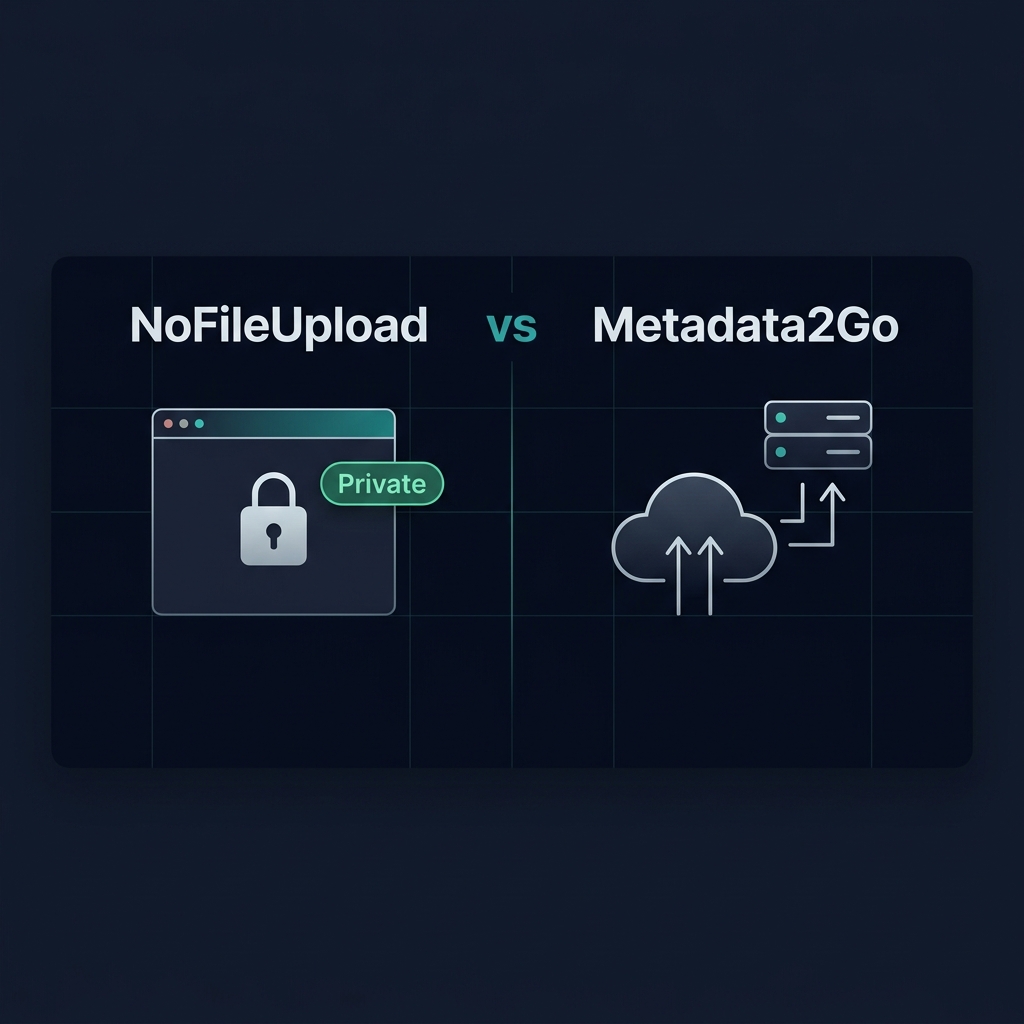
Side by side comparison of NoFileUpload browser-based processing vs Metadata2Go cloud upload approach
NoFileUpload processes files locally in your browser. Metadata2Go uploads them to a server.

So you want to check or remove the metadata from your photos. You search online, find two options that look similar on the surface — NoFileUpload and Metadata2Go — and you're trying to figure out which one to use.

Fair question. They both handle EXIF data. They're both free. They both work in the browser. But there's one difference that actually matters a lot if you care about privacy: one of them uploads your files to a server and one doesn't.

Let's break it down.

How Metadata2Go works

Metadata2Go is a web-based metadata viewer that's been around for a while. You drag your photo in, it reads the EXIF data, and shows it to you. It works, and the interface is clean enough.

The thing is: to read your file, it has to send it somewhere. Your photo gets uploaded to their server, processed there, and the results are returned to your browser. You can check this in your browser's network tab — you'll see a POST request with your file going out.

For many use cases, this is totally fine. Looking at the EXIF data on a random photo you found online? No big deal. But what if it's a photo from your home, your workplace, or contains GPS coordinates you haven't thought about? That file is now sitting on a third-party server, even if only briefly.

How NoFileUpload works

NoFileUpload does the same job — reads EXIF data, removes it, converts formats — but the architecture is completely different. Everything runs directly in your browser using JavaScript.

When you drop a file into NoFileUpload, it stays on your computer. The browser reads it locally, processes it using the same JavaScript libraries, and hands the result back to you. Nothing goes out over the network. You can verify this by opening DevTools and watching the network tab while you use it — you'll see zero file upload requests.

This matters for photos that have GPS baked in, documents with author names, or any file where the content is sensitive.

Feature comparison

FeatureNoFileUploadMetadata2Go
Files uploaded to server❌ Never✅ Yes
Works offline (after page load)✅ Yes❌ No
View EXIF / metadata✅ Yes✅ Yes
Remove metadata✅ Yes✅ Yes
Bulk processing✅ Yes (up to 50 files)Limited
GPS viewer with map✅ Yes✅ Yes
PDF metadata support✅ Yes❌ No
Audio metadata (MP3, FLAC)✅ Yes❌ No
Office file metadata✅ Yes❌ No
Image format conversion✅ Yes❌ No
Image resizing / compression✅ Yes❌ No
Account required❌ Never❌ No
Free to use✅ Yes✅ Yes

What Metadata2Go does well

It's fair to say Metadata2Go has a proven track record. It's been around longer, shows metadata in a clean list format, and for casual use it does the job fine. If you're just checking the camera settings on a photo for photography purposes and don't care about privacy, it's a reasonable choice.

It also supports some less common file types in its metadata reading. If you're dealing with obscure RAW formats from older cameras, server-side processing can sometimes handle edge cases that client-side JavaScript doesn't support yet.

Where NoFileUpload is the better choice

The privacy angle is the obvious one, but it's not the only reason NoFileUpload pulls ahead for most people's needs in 2025.

The tool count alone is significant. Metadata2Go is essentially a metadata viewer and remover. NoFileUpload covers that same ground, and then adds image compression, image resizing, image cropping, format conversion (including HEIC), PDF tools, audio metadata, Office document metadata, and more — all without uploading anything.

For someone who regularly works with photos before sharing them online — removing GPS data, compressing for email, converting HEIC files from an iPhone — NoFileUpload handles the whole workflow in one place. Metadata2Go handles one step of it.

The actual privacy question

Here's the thing most people don't think about: metadata tools are specifically used when you're trying to protect your privacy. You're dealing with a photo that has your home address in its GPS data, or a document with your employer's name in the author field.

Using a cloud-based tool to handle that file means you're solving a privacy problem by creating a different one. The file content is now on a server you don't control, processed by software you can't inspect, potentially retained in logs you have no visibility into.

Browser-based processing sidesteps this entirely. The file never moves. The JavaScript doing the processing is loaded once, then runs locally. After you close the tab, nothing is retained anywhere.

Verdict

If privacy matters to you at all — even a little — NoFileUpload is the better choice. The tool set is broader, it's genuinely free with no limits, and you get the peace of mind of knowing your files never left your computer.

Metadata2Go is fine for non-sensitive use. But if you're using a metadata tool specifically because you're worried about what's in your photos, then sending those photos to a server defeats most of the purpose.

The simplest test: open your browser's network tab before you use either tool, drop a file in, and watch what happens. With NoFileUpload, you'll see nothing sent out. That tells you everything.

Try the tool

Image Metadata Remover

Strip all EXIF data and hidden metadata from your photos before sharing them online. Protect your privacy in seconds.