NoFileUpload vs Smallpdf: Can You Actually Handle PDFs Without Uploading Them?
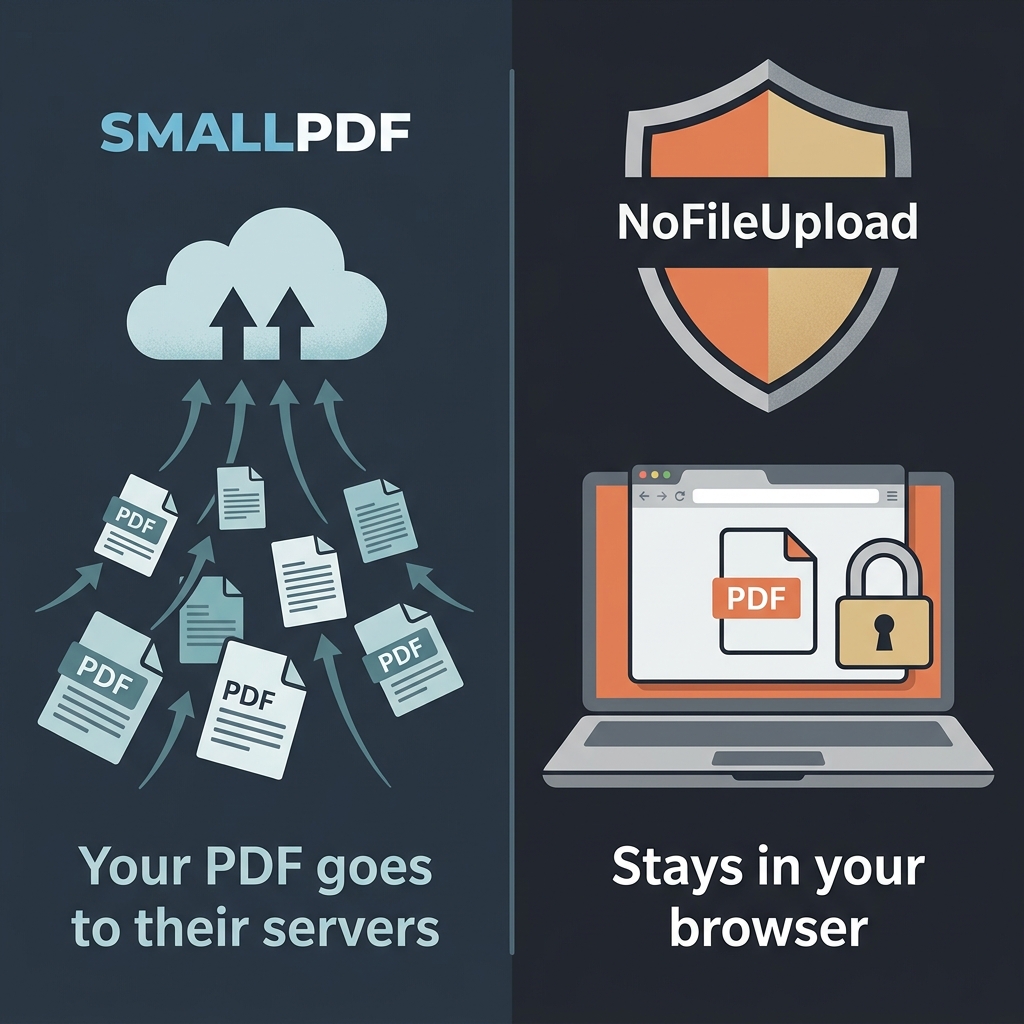
Think about the last time you needed to do something with a PDF file. Chances are, Smallpdf came up in your search results. It's one of the most visited PDF sites on the internet — they've built a comprehensive suite of tools covering compression, merging, splitting, conversion, e-signing, and more. For a lot of people, it's become a default for anything PDF-related.
But there's a conversation worth having about what kind of files people typically run through PDF tools. These aren't usually random pictures — they're contracts, invoices, medical records, tax documents, HR forms, legal filings. The PDFs people need to compress, clean, or strip metadata from tend to be exactly the files you'd least want sitting on a third-party server.
That's the conversation this comparison is really about.
What Smallpdf actually does with your files
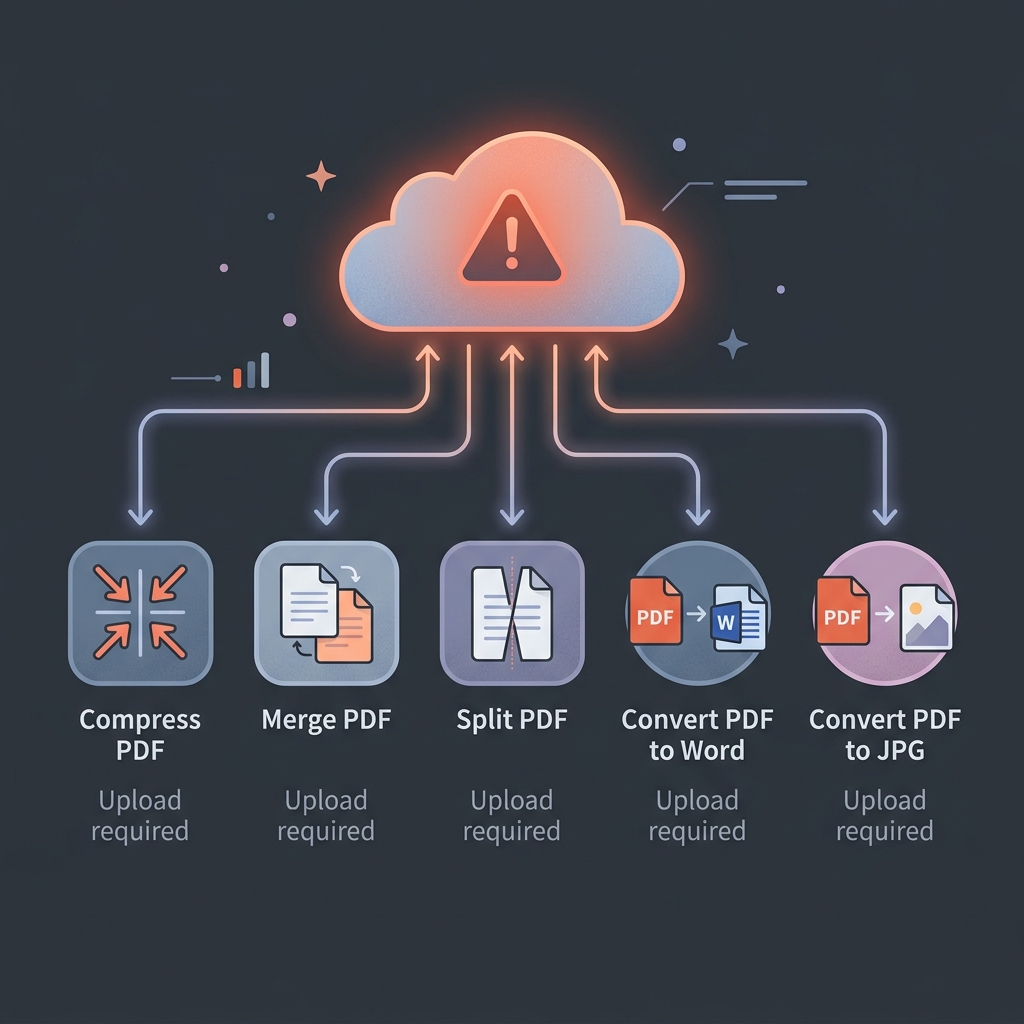
Smallpdf is a cloud platform. Every single tool on their site — compress, merge, split, Word to PDF, PDF to JPG, fill and sign — requires your file to be uploaded to their servers. The company is based in Switzerland, which has strong privacy laws, and they have documented procedures for deleting files after one hour. They also use HTTPS in transit and AES-256 at rest.
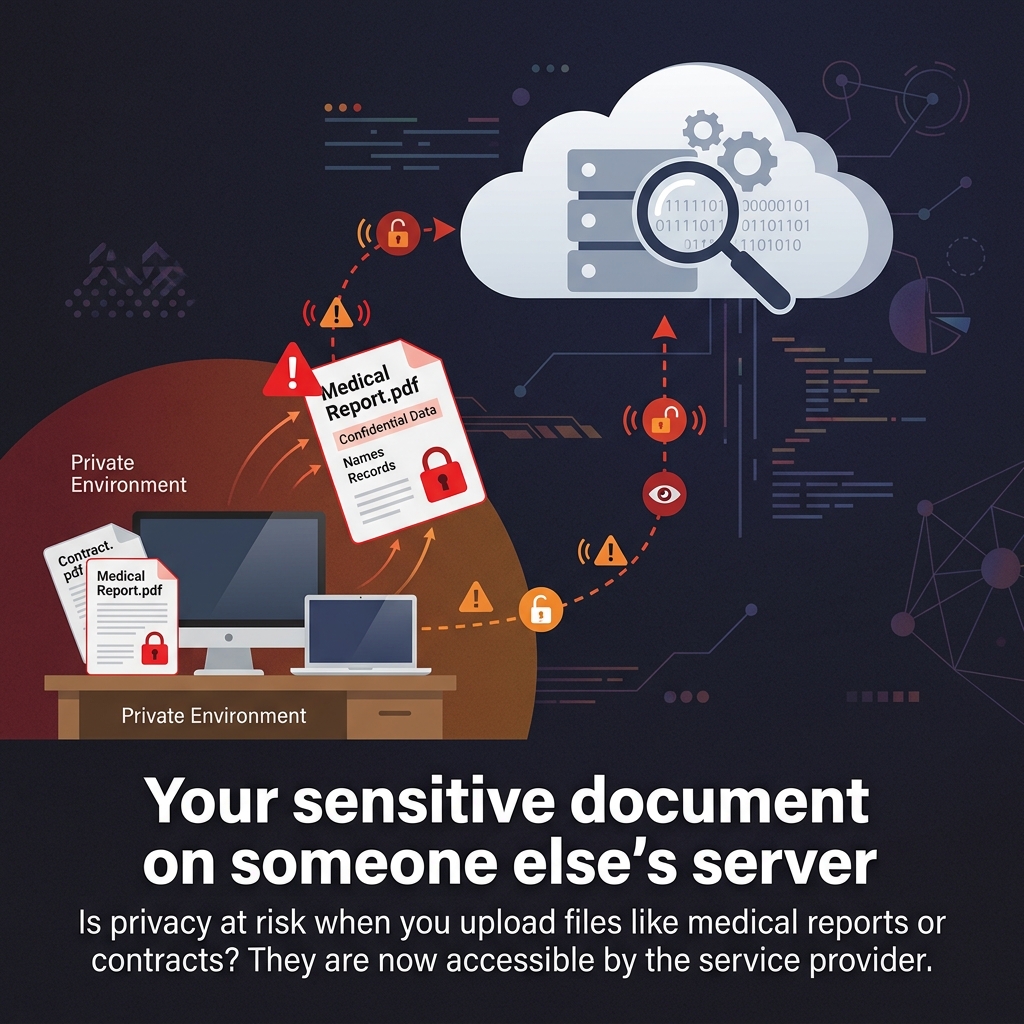
None of that changes the fundamental fact: your document leaves your computer and goes to their infrastructure. For a PDF of a beach photo or a public event flyer, this is a non-issue. For a signed NDA, a patient intake form, or a payslip — even one hour on someone else's server is a decision you should be making consciously, not accidentally.
Smallpdf's free tier also comes with limits that push you toward a paid subscription — two tasks per day, files under a certain size, no bulk processing. If you're hitting those limits regularly, you're looking at a monthly cost for what could otherwise be done locally for free.
Where Smallpdf covers ground that NoFileUpload doesn't
Let's be honest about the scope difference. Smallpdf is a full PDF platform. They handle OCR, they convert scanned PDFs to editable text, they support e-signatures, PDF merging, PDF splitting, password protection, and format conversion to and from Word and PowerPoint. These are genuinely complex operations that require serious processing power — some of which isn't practical to run in a browser.
NoFileUpload doesn't do most of that. It's focused on metadata — reading what's embedded in a PDF, and stripping it out. If you need to merge 12 PDFs, convert a scanned document to searchable text, or add a digital signature to a contract — Smallpdf or a comparable tool is what you need for those tasks.
Where NoFileUpload is the better choice
If what you need is to look at what's embedded in a PDF before sending it — the author name, the software it was created with, the company listed in the document properties, the creation timestamp — NoFileUpload does that entirely in your browser. Drop the file in, see the metadata instantly, strip it if you want, and download the cleaned version.
This matters more than people realise. PDFs created in Microsoft Word, Adobe Acrobat, Google Docs, or LibreOffice all embed metadata by default. A PDF generated from a Word document will typically contain the author's name, the organisation name, the software version, revision history notes, and sometimes template or style information. If you're sending a proposal, a quote, or a legal document to an external party — all of that goes with it unless you actively remove it.
Smallpdf's compression tool doesn't specifically address metadata — it reduces file size, which may incidentally remove some metadata, but it's not a clean, intentional strip. NoFileUpload's PDF metadata tools are purpose-built for exactly this.
Side-by-side comparison
| Feature | NoFileUpload | Smallpdf |
|---|---|---|
| Files sent to server | ❌ Never | ✅ Yes (every tool) |
| Works offline | ✅ Yes | ❌ No |
| Free usage limits | ✅ Unlimited | ⚠️ 2 tasks/day (free) |
| Account required | ❌ Never | ❌ No (limited free) |
| View PDF metadata | ✅ Yes | ❌ No |
| Remove PDF metadata | ✅ Yes | ❌ Not directly |
| Compress PDF | ✅ Yes | ✅ Yes |
| Merge PDFs | ❌ No | ✅ Yes |
| Split PDFs | ❌ No | ✅ Yes |
| PDF to Word / PowerPoint | ❌ No | ✅ Yes (paid) |
| OCR / scanned PDF | ❌ No | ✅ Yes (paid) |
| E-signature support | ❌ No | ✅ Yes |
| Image metadata tools | ✅ Yes | ❌ No |
| Audio metadata tools | ✅ Yes | ❌ No |
The document type problem
Here's something worth thinking through. The PDFs that people want to compress are usually the ones they're about to share — and the PDFs people are about to share tend to be the sensitive ones. A 40 MB sales brochure doesn't need compressing before you email it; someone will just download it anyway. The files that need size reduction are usually personal — a scan of a passport, a bank statement, a signed contract that needs to fit in an email.
Using a cloud-based tool for that specific type of file is a real decision, and it deserves to be a conscious one. Smallpdf is a legitimate, well-run service — but their servers are still someone else's servers, and your document is still going there.
For the metadata use case specifically — stripping author info, software versions, company names, creation history from a PDF before you send it externally — NoFileUpload handles that entirely locally. Nothing travels anywhere.
Which one to use
Use Smallpdf if: you need to merge, split, convert, OCR, or e-sign PDFs. These are genuinely complex operations that require server infrastructure, and Smallpdf executes them well. If the document isn't sensitive and you need those features, it's a good tool.
Use NoFileUpload if: you need to inspect or strip what's embedded in a PDF without sending it anywhere. Author names, company info, software metadata, revision history — all viewable and removable locally. Also use it for image and audio metadata, which Smallpdf doesn't touch at all.
For a lot of people, the honest answer is they need both tools for different jobs. They're not really competing for the same task — Smallpdf is a full PDF editor suite; NoFileUpload is a privacy-focused metadata and file-processing toolkit. Know which problem you're actually solving, and pick accordingly.
Frequently asked questions
Does Smallpdf upload my PDF to a server?
Yes. Smallpdf is a cloud-based service — every tool requires your PDF to be uploaded to their servers. They state files are deleted after one hour and use encryption, but your document still leaves your computer for their infrastructure.
Is there a way to remove PDF metadata without uploading the file?
Yes. NoFileUpload can view and strip PDF metadata — author name, software, company, creation date — entirely in your browser. Your PDF file never leaves your device.
Is Smallpdf safe for confidential documents?
Smallpdf has reasonable security practices, but your document still travels to their servers. For highly sensitive files like medical records, legal contracts, or financial data, a local browser-based tool like NoFileUpload eliminates that exposure entirely.
What's a good free Smallpdf alternative for PDF metadata?
NoFileUpload is a free alternative that handles PDF metadata viewing and removal with no upload, no account, and no usage limits.
PDF Metadata Remover
Strip author name, creation dates, software info, and all hidden metadata from PDF files before sharing. Protect your privacy.