Guide
How to Remove MP3 Tags and Cover Art Without Re-encoding
To remove an MP3's title, artist, album, and embedded cover art, remove its supported tag blocks and check the downloaded copy. The Audio Metadata Remover does this in your browser without decoding and re-encoding the music. Keep an original copy: this is whole-block cleanup, so you cannot keep selected ID3 fields or artwork.
Remove MP3 tags and artwork step by step
- Open the Audio Metadata Viewer and select a copy of your MP3. Review the supported fields and any displayed cover image.
- Open the remover, select the same file, and review its audit. The audit lists decoded fields and detected tag blocks; it is not an exhaustive inventory of every ID3 frame.
- Select Remove Metadata & Clean Audio. Read the removal summary and supported-tag check. A result with remaining markers needs further inspection.
- Download the processed MP3. Reopen that downloaded file in the viewer, confirm the expected fields and cover are gone, and test it in your audio player.
The built-in sample button uses a generated WAV. Use the MP3 downloads below to reproduce the ID3 results in this guide. Selecting your own file processes it locally; file contents are not uploaded for this operation.
Try three tested ID3 examples
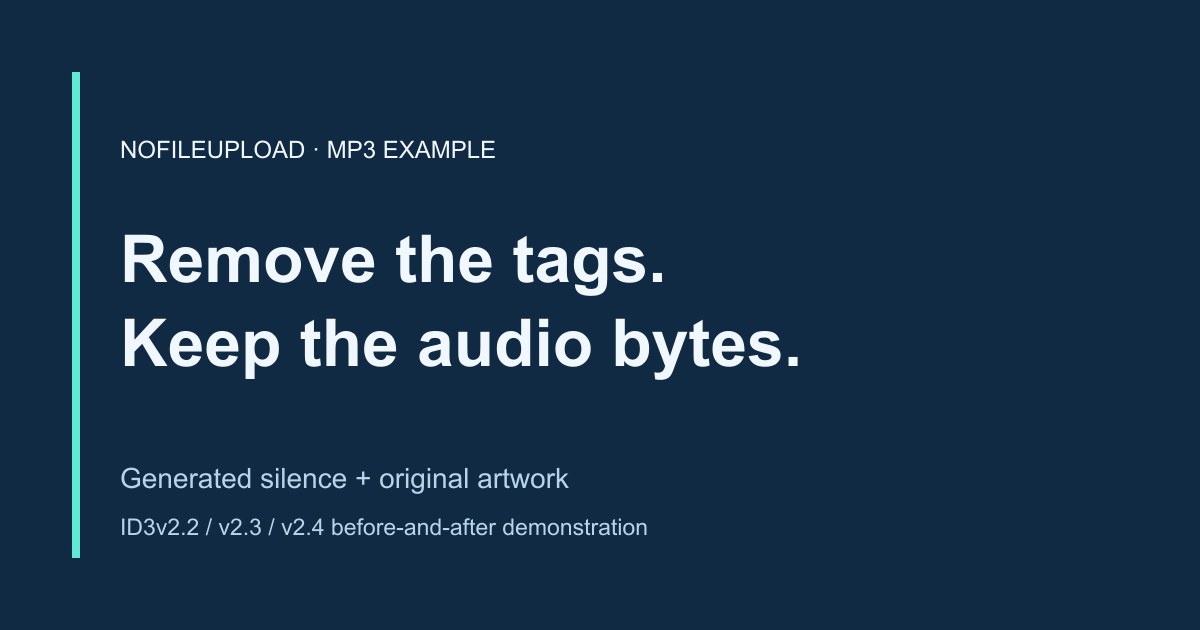
These files contain short generated silence, synthetic text tags, and the original illustration shown above as embedded cover art. They contain no song, voice recording, or personal audio. Silence is intentional. Each example contains identical MPEG audio bytes, with a different ID3 version around them.
- Download ID3v2.2 MP3 before cleanup — 68,056 bytes; older three-character field names and PIC artwork.
- Download ID3v2.3 MP3 before cleanup — 68,361 bytes; APIC artwork plus trailing APEv2, Lyrics3v2, and ID3v1 blocks.
- Download ID3v2.4 MP3 before cleanup — 68,098 bytes; APIC artwork and the optional tag footer.
- Download the cleaned MP3 — 20,850 bytes; the exact same output from all three inputs.
| Field | ID3 name / older name | Before | After |
|---|---|---|---|
| Track title | TIT2 / TT2 | Generated silence | Absent |
| Artist | TPE1 / TP1 | NoFileUpload Demo | Absent |
| Album | TALB / TAL | Metadata examples | Absent |
| Encoded By | TENC / TEN | Demonstration encoder | Absent |
| Encoder Settings | TSSE / TSS | Synthetic test settings | Absent |
| Cover art | APIC / PIC | Original demonstration JPEG | Absent |
The remover detects six entries in the v2.2 and v2.4 examples. The v2.3 example adds three trailing tag blocks, so its audit reports nine entries. Those trailing blocks are reported as blocks, not decoded into individual song fields. All are removed in the tested result.
What the checks establish
We processed each download with the same removal function used by the tool, compared the output byte for byte with the original 20,850-byte MPEG sequence, and reopened it with the viewer. The supported text fields and artwork are absent after cleanup. A separate macOS audio decoder also decoded all four downloads to identical silent PCM audio. This validates these generated examples; it does not test every encoder, malformed tag, player, or real-world recording.
The downloadable verification record includes input sizes and SHA-256 hashes. The application checks supported tag markers, not the absence of every possible identifying value. For an important file, compare it with an independent tag editor as well.
Why the ID3 version matters
ID3v2.2 uses shorter frame names, including TT2 for title and PIC for artwork. ID3v2.3 and v2.4 use TIT2 and APIC. The viewer recognizes these common older aliases. The ID3v2.4 structure specification also defines an optional footer; its frame reference describes attached pictures and text fields.
The remover handles leading ID3v2.2–v2.4 blocks and supported trailing ID3v1, Lyrics3, APEv2, and matching appended ID3v2.4 blocks. Tag boundaries must be recognizable. A malformed trailing size or mismatched footer is retained and fails the supported marker check. The viewer does not decode every frame, extended-header variant, compressed/encrypted frame, or legacy trailing field. An empty field list alone is therefore insufficient proof of complete removal.
What remains, and why artwork can reappear
The bytes between supported MP3 tag blocks are retained, including any Xing/Info or encoder information inside an audio frame. The tool does not remove a spoken name, an audible watermark, identifying sounds, filesystem history, or information in your chosen filename. Choose a suitable filename separately before sharing.
Removing embedded artwork does not clear an audio player's library cache, an online artwork lookup, or a separate cover image in the folder. Test the downloaded copy independently if the old cover still appears. Player compatibility and library display should be checked with your destination application.
WAV and FLAC need different checks
This MP3/WAV remover removes supported WAV LIST/INFO and ID3 chunks while retaining the audio data and other chunks. Broadcast or application-specific WAV metadata may remain. These MP3 examples do not establish complete WAV cleanup.
For native FLAC, use the FLAC Metadata Remover. FLAC uses Vorbis Comments and separate picture blocks rather than the MP3 structure demonstrated here. Review that tool's retained-block and artwork options, then reopen the downloaded result in the viewer.
Audio Metadata Remover
Remove supported MP3 tag blocks and embedded artwork or WAV INFO/ID3 chunks without re-encoding audio.